Help
How to Apply a Coupon Code
Step-by-step guidance
- 1
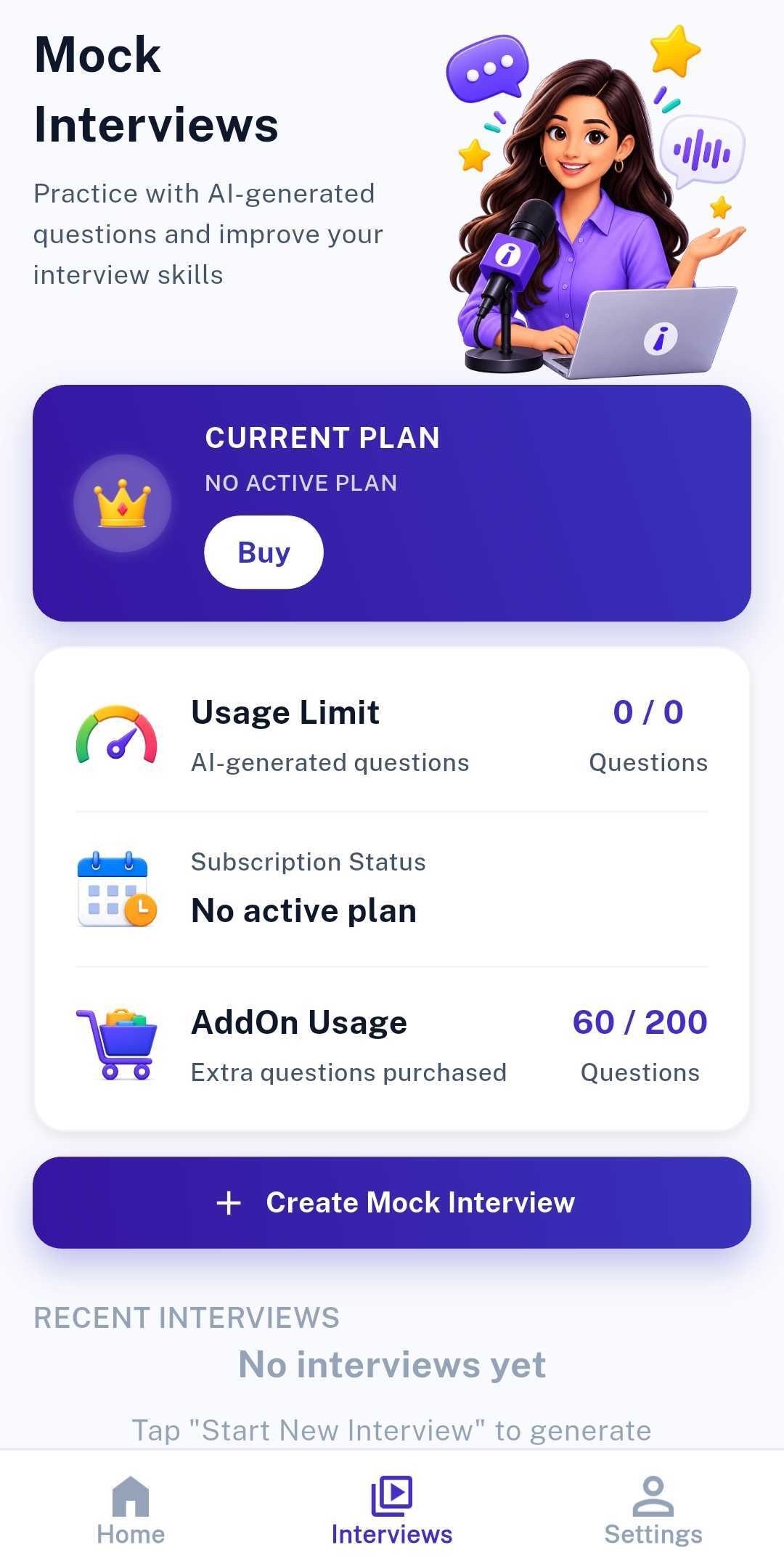
Tap Buy
Open the app and tap the Buy option to open the plan selection screen.
- 2
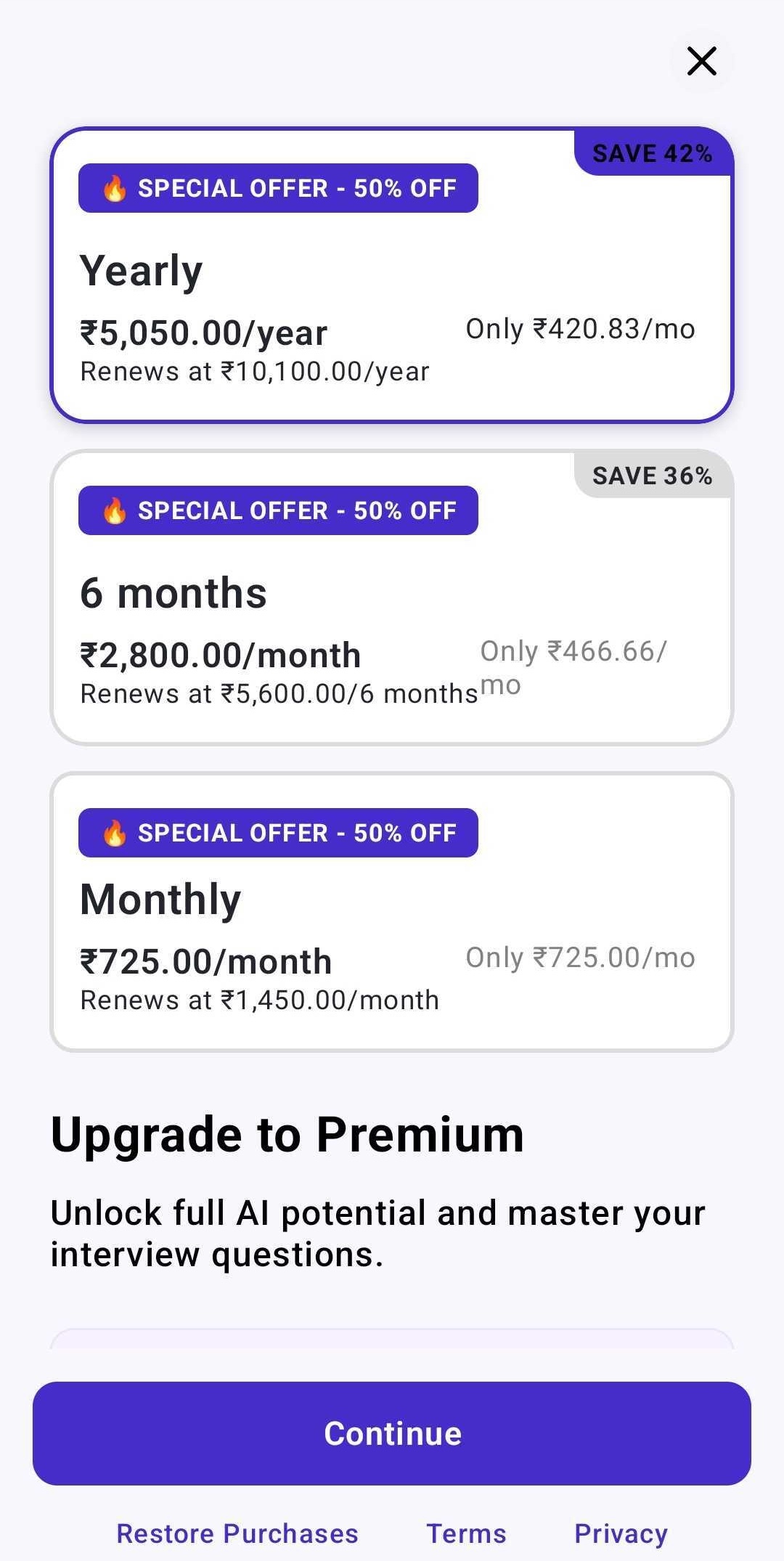
Select your plan
Choose the plan you want, then tap Continue.
- 3
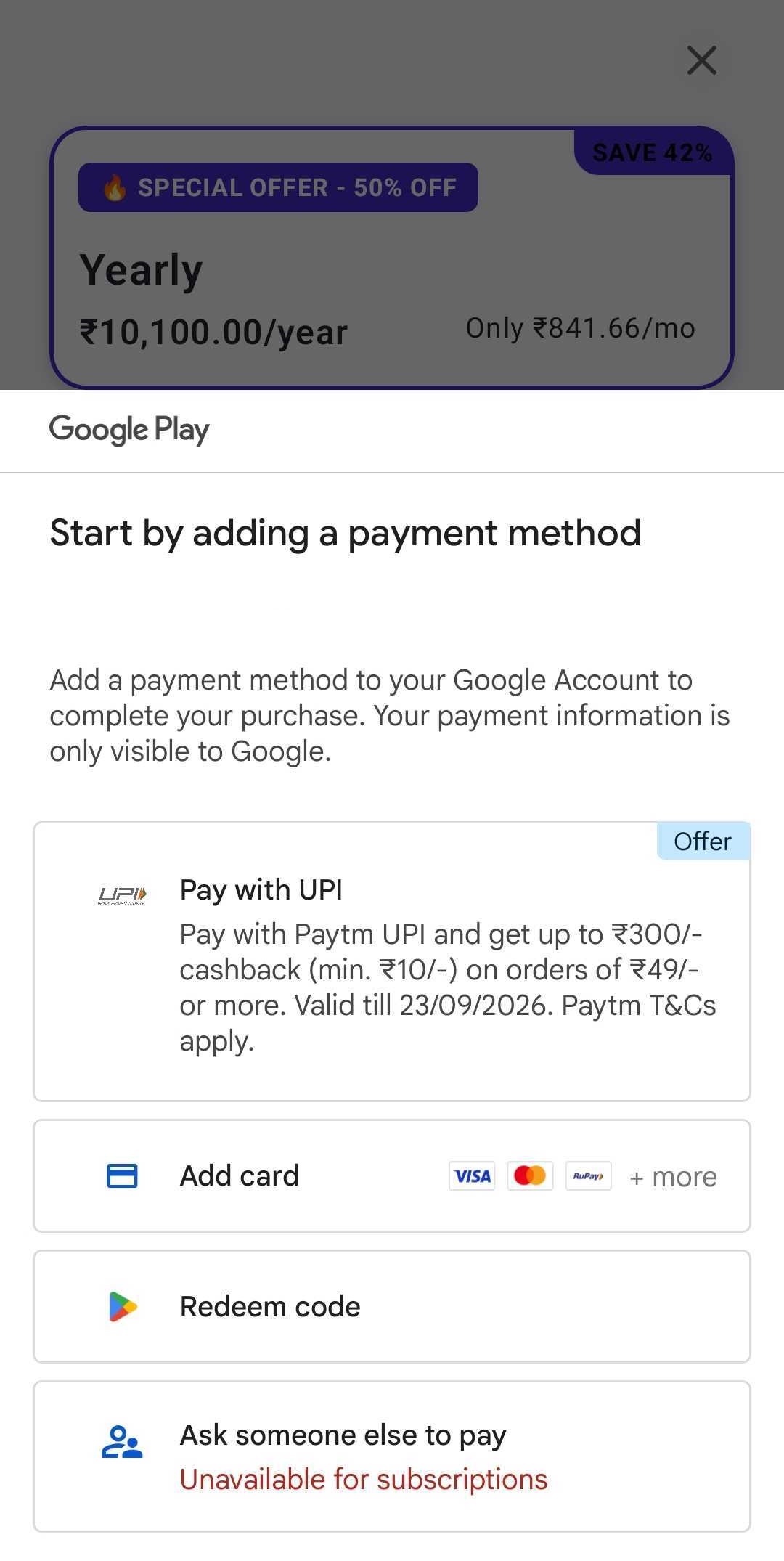
Choose Redeem code
On the Add payment method screen, select the Redeem code option.
- 4
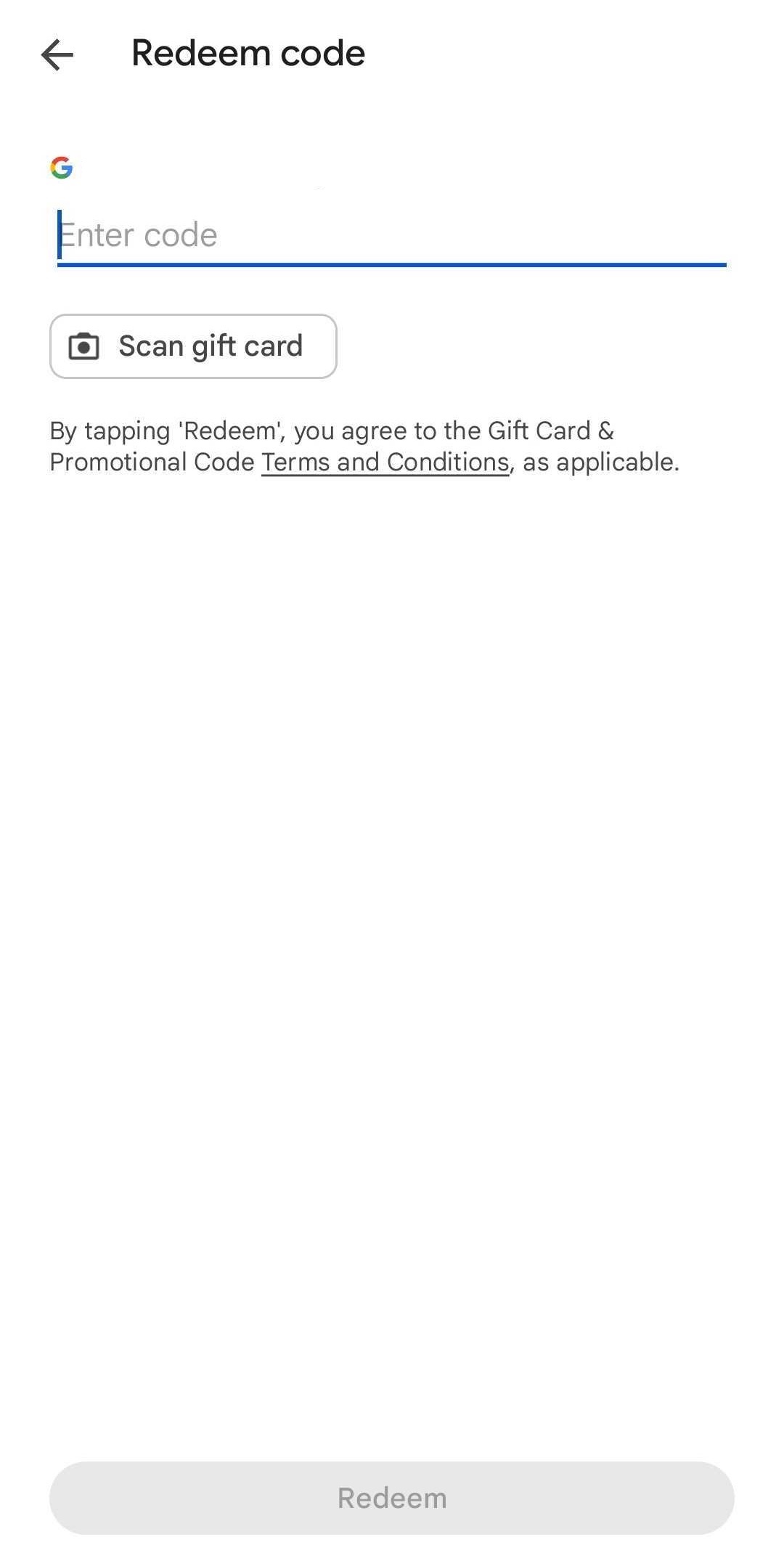
Enter and redeem
Type your coupon code into the field and tap Redeem.